
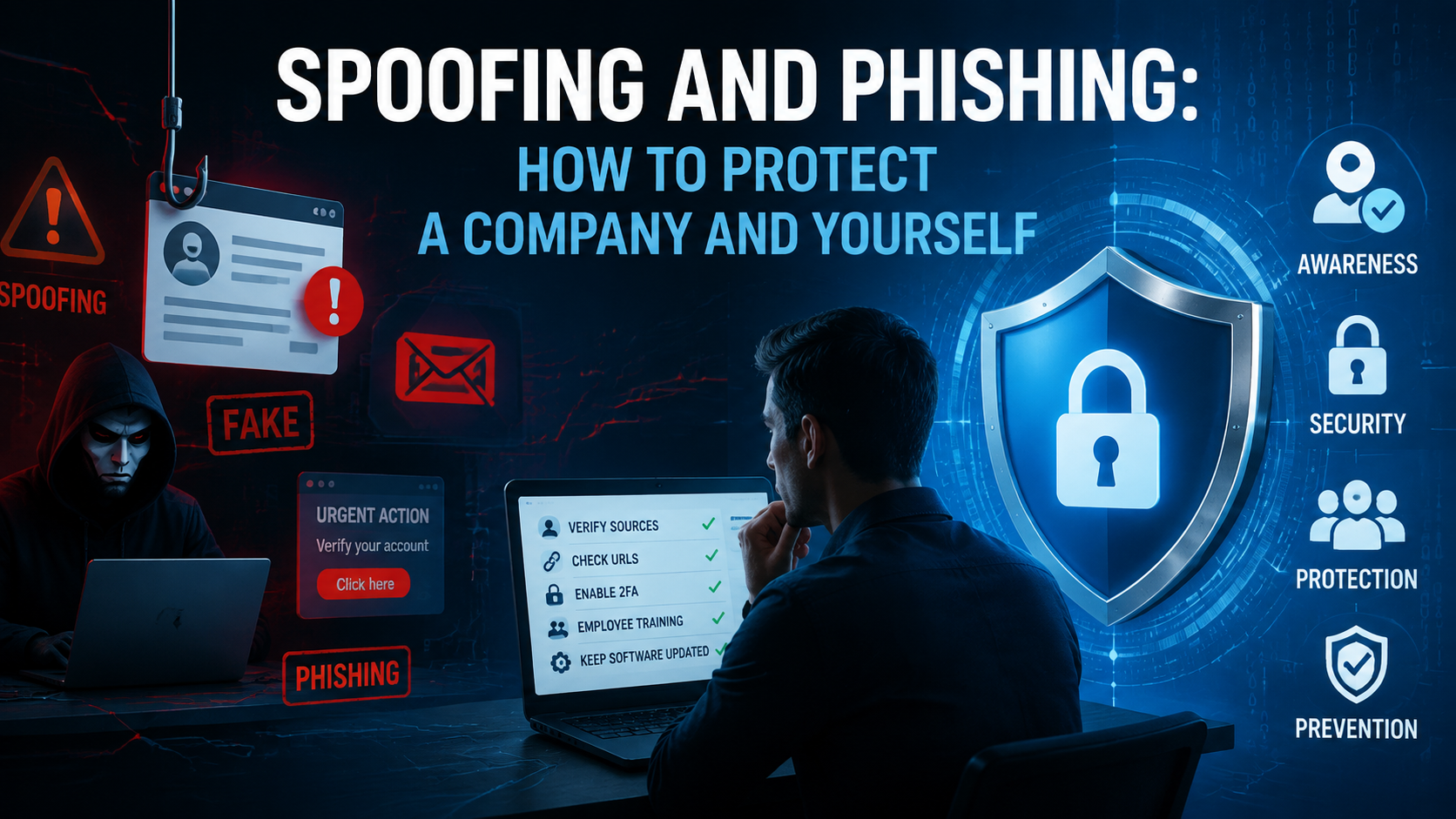

Spoofing is impersonation: someone makes a sender, domain, phone number, or website look real when it is not. For example, you receive an email that looks like it came from your bank. The logo is correct, the tone is familiar, and the sender name matches. But if you check the address closely, the domain has an extra letter. That is spoofing.
Phishing is the attempt to make you do something: open a file, click a link, enter a password, or send money. For instance, you get a message that says your account will be blocked unless you log in right now. You click the link, enter your credentials, and they go straight to the attacker.
Spoofing vs. phishing: what is the difference
Spoofing can exist on its own. A fake sender address can be used to send spam or damage a brand’s reputation without asking the recipient to do anything.
But phishing almost always relies on some form of spoofing, because people are more likely to respond when the message looks familiar.
Here are the main forms you will encounter:
- Sender spoofing — the email looks like it comes from a real person or company.
- Domain spoofing — the domain name is slightly changed to look legitimate.
- Website spoofing — a fake website copies the design of a real one.
- Call or SMS spoofing — the phone number appears trusted or local.
- Email phishing — the message pushes you to click, reply, or transfer money.
How spoofing and phishing attacks usually happen
Most attacks follow a simple and repeatable flow.
— The attacker prepares a fake identity
This could be an email address that looks like a colleague, a domain that resembles a known service, or a copied login page.
— Next comes the trigger
The message creates a reason to act quickly. It might be an invoice that needs approval, a password reset request, a shared document, or a delivery notification. In a business setting, these are everyday situations, so the message does not stand out.
— Then comes the action
The recipient clicks a link, opens an attachment, scans a QR code, or replies with information. At this point, the attacker collects credentials, installs malware, or redirects a payment.
— The attacker uses what they gained
They may access accounts, send more phishing emails from a real mailbox, or move money through several transactions to make recovery harder.
What the most common phishing lures look like today
A phishing messages are built around actions people already take every day at work. The most common types of lures you will see:
- login alerts and password reset requests;
- document sharing notifications;
- invoices and payment requests;
- delivery and order updates;
- HR messages and internal announcements;
- brand promotions and discounts;
- fake support or security warnings.
The tactics keep evolving. Attackers now use QR codes instead of links, knowing that people trust them more and often scan them on mobile devices. Some emails contain password-protected attachments, which makes them harder to scan automatically. Others are split into steps: the first message builds trust, the second delivers the actual link or request.
Another important detail is how closely attackers copy real communication. They reuse logos, signatures, and even writing style. In some cases, the message thread looks real because it continues an earlier conversation that was already compromised.
How to protect yourself as an individual user
You do not need deep technical knowledge, but you do need to slow down at the right moment to do a few things:
— Check the sender
Do not rely on the display name, look at the actual email address or phone number. A message can say it is from a colleague, but the domain may be slightly different. This is often the first sign of spoofing.
— Inspect links before clicking
Hover over the link and check where it leads. If the address looks unusual or does not match the service, do not open it. The same applies to QR codes. If you did not expect to receive one, treat it with caution.
— Be aware of attachments
If you were not waiting for a file, especially one that asks for a password, do not open it right away. It is better to confirm with the sender through another channel.
The core habits that reduce most risks:
- Verify the sender before you act.
- Check the full URL before opening links.
- Avoid unexpected attachments and QR codes.
- Use multi-factor authentication on all important accounts.
- Report suspicious messages instead of ignoring them.
Passwords deserve special attention. Many people reuse the same password across different services — this creates a chain reaction. If one account is compromised through phishing, attackers can try the same credentials on email, CRM systems, or payment tools.
Multi-factor authentication helps break this chain. Even if someone gets your password, they still need a second step to access the account. It adds a small amount of friction, but it blocks a large number of attacks.
How businesses can protect email, brand, and revenue
A company need to reduce risk at every step: when a message enters the inbox, when an employee reads it, and when a decision is made.
- Technical filtering
This includes secure email gateways and built-in spam filters that block obvious threats before they reach employees. They remove a large share of low-quality attacks, but more advanced messages still pass through.
- Rules for people
Every employee must check the sender, question urgent requests, and confirm payments through a second channel.
- Well-designed processes
Every company should have a way to report suspicious messages. If one person reports a phishing email, others should be warned quickly. And remember: quick call to the sender often stops the fraud.
- Authentication
This is SPF, DKIM, and DMARC. SPF defines which servers are allowed to send emails from your domain. DKIM adds a digital signature to prove that the message was not altered. DMARC tells receiving systems what to do if something looks wrong — for example, reject the message or send it to spam.
For teams that send a lot of emails — marketing, sales, customer support — this discipline is especially important. A campaign sent from an unverified domain can be copied or spoofed. Over time, this affects deliverability and trust.
What to do if someone clicked, replied, or paid
The first minutes are critical because attackers often move quickly after gaining access.
Change passwords immediately and log out of all active sessions. This cuts off access if credentials were exposed. If multi-factor authentication is not enabled, it should be added at this stage.
Next, check what has already been done inside the account. Attackers often create hidden rules in email inboxes to forward messages or hide replies. These rules need to be removed to stop further damage.
If money is involved, the finance team should be alerted without delay. Banks can sometimes stop or reverse transactions if they are contacted early. At the same time, the incident should be reported internally. IT or security teams need to review logs, block malicious domains, and check if the attack has spread to other accounts.
It is also important to preserve evidence. Even basic details help with investigation and response:
- Email headers and full sender address.
- Links and files from the message.
- Screenshots of the message or website.
- Time and sequence of actions.
If the incident involves payments, customer data, or executive accounts, it should be treated as a high-priority case. In such situations, external support may be needed, including legal or compliance teams.
FAQ
Is spoofing always email-based?
Email is the most common channel, but spoofing also happens in phone calls, SMS messages, and websites.
Can phishing happen without a link?
Some attacks rely on direct replies. For example, a message may ask you to send payment details or confirm information by email. In other cases, the attacker starts a conversation and introduces the malicious request later. Links are common, but they are not required.
Why do some countries get attacked more often than others?
Attackers follow opportunity. Countries with large online populations, active businesses, and high transaction volumes attract more attention. At the same time, regions with lower awareness or weaker protection can also see a high share of attacks. The pattern is driven by value and accessibility.
What should a marketer do if a campaign is copied or impersonated?
First, check domain authentication and make sure SPF, DKIM, and DMARC are correctly configured. Then inform the audience through official channels that fake messages may be circulating. Monitoring engagement data helps spot unusual activity. Keeping contact lists structured and verified, for example with tools like LetsExtract, also reduces confusion and makes anomalies easier to detect.
How do we protect a company?
Employees need a short list of actions: verify the sender, confirm unusual requests, and report anything suspicious. Technical controls can run in the background. When the process is clear, security becomes part of normal work instead of an extra step.
It's time to try LetsExtract (it's free)
 Click here to download the LetsExtract Email Studio
The trial version will allow you to create a contact list, check email addresses and start mailing.

