
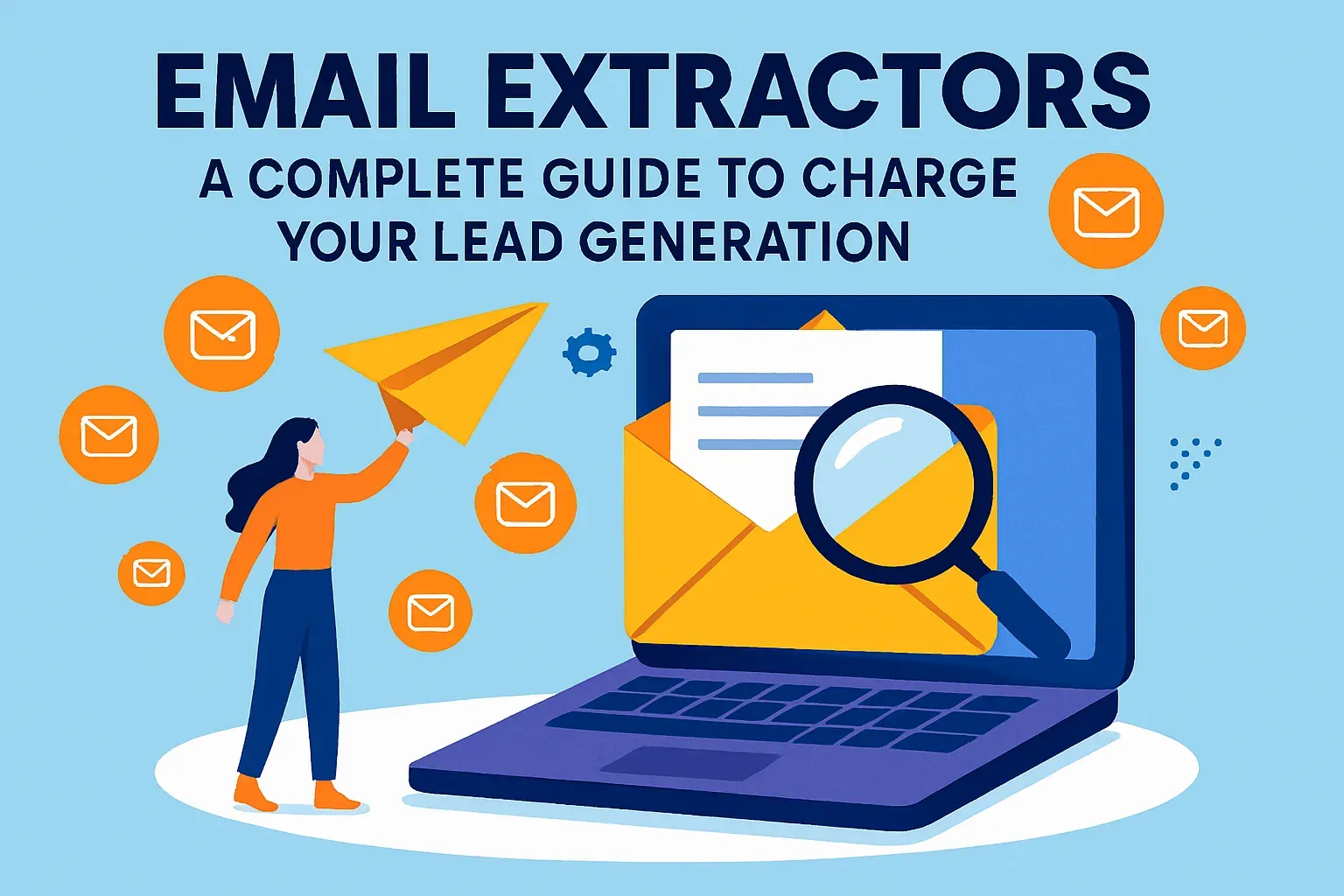

Many people consider email extractor programs to be tools for sending spam. Indeed, they are often misused by unscrupulous individuals for mass unsolicited messaging.
However, like any tool, they can be used for entirely different, useful, and completely legitimate purposes. Just because you collect email addresses from websites or search engines doesn’t mean you intend to send spam to them.
Let’s explore situations where such programs can be beneficial and consider how to use them correctly, adhering to ethics and digital communication rules.
Why does spam turn a good tool into a problem?
Many people view email extractors and bulk emailing software negatively because they encounter spam daily in their inboxes. Unsolicited messages are annoying, time-consuming, and can even cost money for spam filtering.
If you use data for indiscriminate mailings without caring whether the content matches recipients’ interests, you risk alienating internet service providers (ISPs), regulators, and, of course, your potential customers. Spam erodes trust. Therefore, if you want your messages to be read, respect your recipients.
What is an email extractor?
An email extractor is a simple program that automatically finds and pulls email addresses from websites, documents, or online platforms.
At its core, the tool does four things. First, it scans pages on the internet, much like a search engine does. This part is often called web crawling. Then it parses the content, meaning it looks for anything that resembles an email address—anything that includes something like “name@example.com.” After that, it removes duplicates so the same address doesn’t appear five times. Finally, it exports the clean list, often as a spreadsheet or text file, ready to use in your email marketing system or CRM.
Let’s say you run a small design studio and you’ve been getting inquiries through a contact form on your WordPress blog. Every time someone fills it out, their message goes to your email. After a year, you have hundreds of client emails buried in your inbox—but no organized contact list. An email extractor can go through those emails or exported reports and collect just the email addresses. In a few minutes, you’ll have a clean file of past clients you can reach out to with updates or offers—without doing any manual copy-pasting.
That’s the real value: email extractors save time, reduce manual work, and give business owners direct access to contacts that already exist in their systems, just scattered across different places. You’re not “hacking” anything. You’re organizing what you already have.
Legal and ethical ways to use email extractors
— Business automation
Collecting customer addresses from reports and databases. Some payment systems and e-commerce platforms don’t allow exporting your customer contacts from their databases. For example, you might receive a nice HTML report of customer orders, but manually converting it into a full mailing list is difficult and time-consuming. This is where a contact extractor comes in handy. The program quickly identifies valid addresses, allowing you to send notifications about order status, new product launches, or upcoming promotions. This is a fair, useful tool for your business.
— Feedback via website guestbooks or comments
If your website has a section where visitors can leave their email addresses, it’s usually so you can contact them. Using an extractor program, you can easily gather these contacts to respond to inquiries, send company news, or offer services. The key is to ensure visitors have consented to receiving messages (e.g., through an opt-in form).
— Reviving old discussions
Sometimes an issue discussed on your forum has a solution you’ve just found. But how do you inform participants of a long-forgotten thread if it’s already been archived? In this case, an email collection program can help you compile a list of participant contacts to offer the solution directly via email.
— Finding partners, clients, or employees
The internet is a vast source of information where people look for jobs, employees, customers, or business partners. On specialized platforms, forums, auctions, or online stores, you can find numerous contacts for specific purposes. Email extractor programs help automate such tasks, saving time and resources. However, it’s crucial to remember the need to comply with rules and laws—do not send messages to people without their consent.
— Marketing optimization
Using such programs is cheaper than attending trade shows, buying business contact databases from intermediaries, or advertising in print media. Searching for information and contacts online is a common and cost-effective practice. But be cautious: instead of seeking free software, which can often be unreliable or malicious, it’s better to use quality, proven commercial solutions.
How to maintain professional ethics?
Using any such tools requires adherence to digital ethics norms. Here are some important rules.
- Recipient consent
Before sending messages to anyone, ensure people have explicitly or implicitly given their consent. For example, they left their contacts for communication on your site or subscribed to your newsletter.
- Opt-out option
Every email you send must contain a link allowing the recipient to easily unsubscribe from future emails.
- Targeted approach
Instead of mass-blasting an unverified address list, create a targeted contact list of people genuinely interested in your offer.
Email extraction and email verification: the difference
Email extraction and email verification are two different steps in building a quality contact list. They often get mixed up, but they do very different things.
- Email extraction
It’s about collecting email addresses from different sources—like websites, online forms, social media pages, or documents. It’s the gathering stage. For example, a business owner might use an email extractor to pull addresses from customer reviews on an e-commerce platform or from contacts listed on supplier websites. The goal is to collect addresses that are publicly available and potentially useful for outreach.
- Email verification
It checks whether those email addresses actually work. Just because an address looks real doesn’t mean it is. Some might be outdated, some might be fake, and some might lead straight to a bounce (meaning the message never gets delivered). That’s not just a waste of time—it can damage your sender reputation and lower your chances of landing in someone’s inbox.
Both steps matter if you’re using email to grow your business. Extraction gives you the raw data. Verification filters out the junk and protects your reputation. For an entrepreneur, that means fewer wasted emails and better chances of reaching real people who care about your product.
Use email extraction when you want to:
- Collect contact info from online directories or public listings.
- Pull customer emails from online orders or form submissions.
- Organize addresses from old documents or inbox reports.
Use email verification when you need to:
- Clean up a list before starting a campaign.
- Avoid bounce rates that hurt your domain reputation.
- Make sure you’re emailing real people and not spam traps.
If you skip verification, your carefully built list might backfire. A good workflow includes both steps: first gather, then verify. This way, you reach people who are more likely to open your emails—and you’re not throwing effort (or money) at addresses that go nowhere.
Laws: GDPR & CAN-SPAM essentials
When you collect and use email addresses—whether through an extractor tool or a contact form—you’re stepping into a space with real legal boundaries. In the United States. and the European Union, there are specific rules on how you can handle people’s contact information. These rules aren’t suggestions. They’re laws that apply to businesses of all sizes, even small startups or freelancers.
The main things you need to know are:
- GDPR (for the European Union)
- CAN-SPAM (for the United States)
Each law is slightly different, but the basic idea is the same: you need to be transparent, respectful, and give people control over their personal data. If you collect email addresses and send marketing emails, these are the minimum steps you should take.
— Respect people’s rights to access and delete their data
Users can ask what information you have on them—and request that you delete it. Even if your business isn’t located in GDPR or CAN-SPAM countries, these laws still apply if you’re collecting data from their residents.
— Get clear, informed consent
Don’t just add someone to your email list because you found their contact info online. People need to actively agree to hear from you. For example: “By entering your email, you agree to receive occasional updates from [company name]. You can unsubscribe at any time.”
— Always give an easy opt-out
Every email must include an unsubscribe link. It should be easy to find and simple to use.
— Don’t hide who you are
Use a real “from” name and company email address. Make sure your messages include your business’s physical mailing address.
— Keep clear records
Be ready to prove that someone opted in. If you ever get a complaint, you’ll need to show when and how they gave you permission. Most email marketing platforms do this automatically, but double-check that tracking is turned on.
Email extractors don’t handle these things for you. That’s your job as the sender. But if you combine the tool with a clean consent process, you stay within the law and keep your emails out of spam folders. Being compliant isn’t just about avoiding fines—it’s about showing your audience that you respect their inbox.
FAQ: More about email extractors
When people search for email extractor tools, they often have the same set of questions. Some are about legality. Others are about what these tools can actually do—and where the limits are. Below are answers to the most common questions, explained simply and directly.
Is email extraction legal?
Yes, in most cases it’s legal to extract publicly available email addresses—like those listed on a company’s contact page or in a public online directory. But legality doesn’t give you a free pass to message those contacts. Laws like GDPR, CAN-SPAM, and CCPA require consent before sending promotional emails. That’s why we recommend pairing extraction with clear opt-in practices. You can find a full breakdown in our compliance checklist.
Can I extract emails from LinkedIn?
LinkedIn’s terms of service strictly forbid scraping or automated data collection. Using an email extractor on LinkedIn can lead to account bans or legal trouble. If you want to contact someone professionally, it’s better to connect through the platform or use verified B2B tools that integrate with LinkedIn’s API legally.
What’s the difference between an email extractor and a bulk email sender?
An email extractor collects addresses. A bulk email sender distributes messages to those addresses. These tools are often used together, but they serve different purposes. Extractors help you build a list. Senders manage campaigns, schedule emails, and track results. If you plan to use both, make sure your list is verified first to avoid bounce issues—more on that in our verification section.
Do I need permission to email people on the list I’ve extracted?
Yes, absolutely. You may have their contact details, but that doesn’t mean they agreed to receive messages from you. Before emailing anyone, you need proof of consent. This can be a checkbox on a sign-up form, a written request, or an action like subscribing to your newsletter. Without this, you risk legal fines and poor deliverability.
What are some trusted email extractor tools?
Some of the most used and well-reviewed tools for english-speaking users include LetsExtract, Hunter.io, and Skrapp. These platforms offer features like domain-specific crawling, chrome extensions, and export options that work well with crms or email platforms. We go into tool comparisons in our best tools section.
Can I use an email extractor for my own data?
Yes. In fact, that’s one of the best ways to use these tools. Many businesses use extractors to clean up and organize their own customer data—for example, by pulling emails from past order reports, support logs, or contact forms. It saves time and reduces manual errors. This type of use is both legal and practical.
Will email extractors work on password-protected pages?
No. Most extractors only access publicly available data. If a page requires a login—like a user dashboard or private forum—scraping it would likely break terms of service. Stick to open-access websites and be transparent about your use of the data you collect.
Email extractor programs can be useful in various areas, from improving customer communication to simplifying the search for partners or event participants. However, it’s vital to remember: how you use this tool defines your reputation. Don’t turn useful software into a tool for primitive address harvesting aimed at mass-blasting campaigns. Instead, apply it wisely, respecting the laws and rules of digital communication.
It's time to try LetsExtract (it's free)
 Click here to download the LetsExtract Email Studio
The trial version will allow you to create a contact list, check email addresses and start mailing.
Related posts:
 Why ESET NOD32 Is the Worst Antivirus and Why You Should Never Use It
 Why you shouldn’t buy email lists for your campaigns — risks, laws & better alternatives
 Nonexistent and invalid email addresses: can they be brought back to life?
 Email campaign analytics: key KPIs
 A/B testing in email campaigns: how to improve ROI
