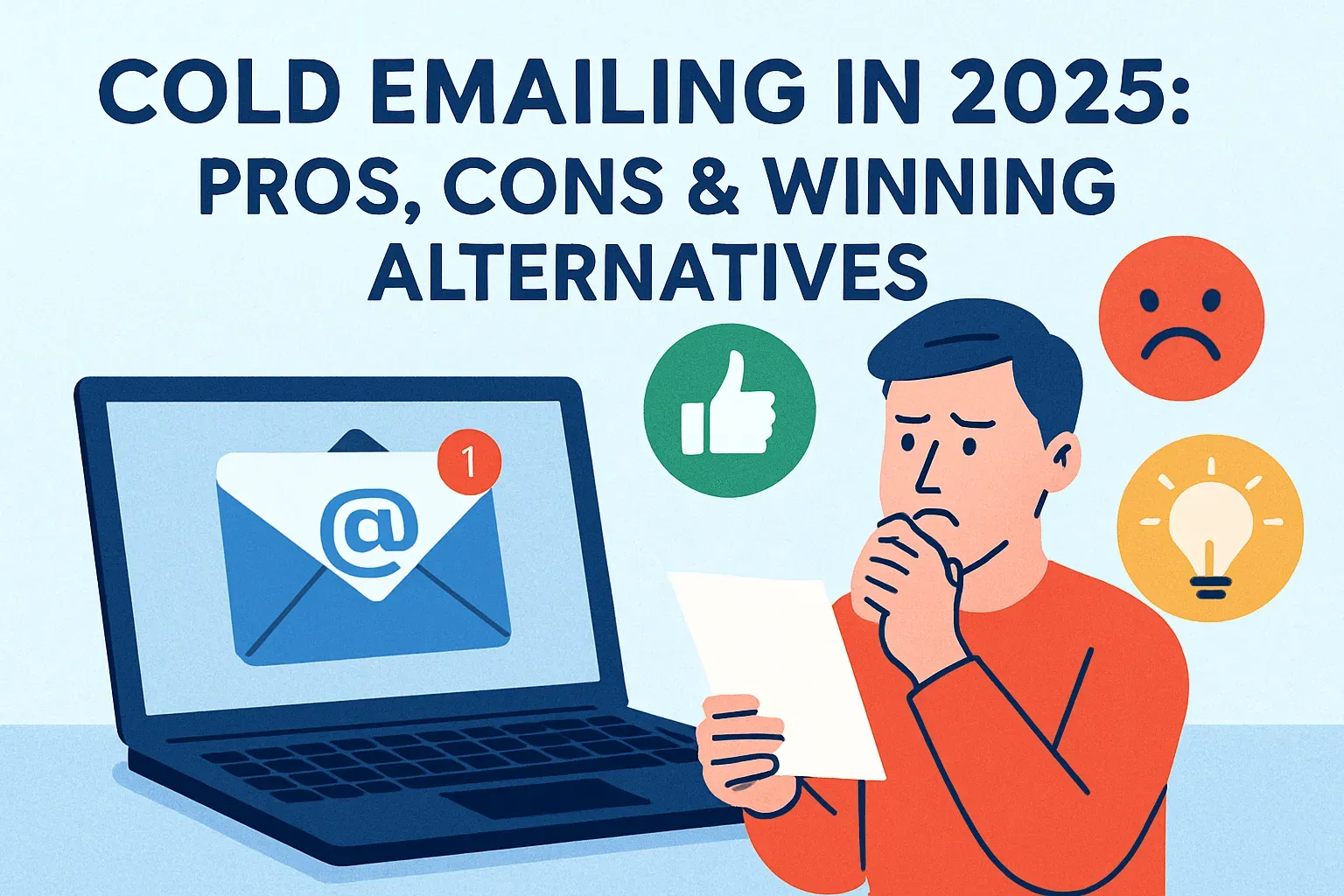

Inbox volumes keep growing. People get more emails than ever—newsletters, promo blasts, automated sequences, and pitches. Most of them go unread. So it’s fair to ask: does cold emailing still work in 2025?
The short answer is yes. But only when it’s done right.
Cold outreach has changed. Five years ago, you could send a generic pitch to 500 people and get a handful of replies. Today, that approach fails fast. People ignore messages that feel mass-produced or irrelevant. Spam filters have also become smarter. They flag content that looks like marketing.
Still, cold email isn’t dead. In fact, for small businesses and early-stage startups, it remains one of the most direct and affordable ways to start a conversation with potential customers. Especially when the budget for ads is tight and there’s no brand recognition to lean on.
Pros of cold emailing: high leverage, low cost
For entrepreneurs looking to grow without burning cash, cold emailing is still one of the most efficient ways to start real business conversations. That’s why.
- You don’t need a big budget
With the right approach, you can connect with hundreds of potential clients in a week, without paying for ads or hiring a full sales team. It’s one of the few tools where time matters more than money.
- Cold emails scale well
You don’t need fancy software to get started. A basic email account, a list of relevant contacts, and a clear message are enough to run your first campaign. You can send dozens of emails a day without spending anything beyond your own time. Some use tools like Mailtrack or GMass to automate parts of the process, but those aren’t required upfront.
- It cuts through layers
Instead of waiting for someone to find your product on Google or scroll past your ad, you’re reaching them directly. If your message is short, useful, and respectful of their time, it can land in the inbox of a decision-maker—without needing to go through an assistant or sales rep.
- Everything is trackable
You can see who opened your email, who clicked a link, and who replied. That kind of feedback helps you learn fast—what works, what doesn’t, and what to change next time. There’s no guessing. You can test different subject lines, email lengths, or calls to action and adjust based on real numbers.
Cons of cold emailing: risks and limitations
Cold emailing is cheap and scalable, but it’s not a guaranteed win. There are technical, legal, and practical hurdles that can make or break your outreach—especially if you’re sending emails without a clear plan.
- The first issue is deliverability
Just because you send an email doesn’t mean it will land in someone’s inbox. Spam filters have become strict. If your domain isn’t set up properly, or if your messages look like spam, your emails may never reach the person you’re trying to contact.
Some domains get flagged or blacklisted if too many emails bounce or go unanswered. That hurts your sender reputation, which affects whether your future emails even get seen. All that meant lost time and leads.
- Cold emails don’t usually get a lot of replies
If you send 100 messages and get 2–5 replies, that’s already a decent result by most industry standards. Many founders start cold outreach expecting a flood of interest. When that doesn’t happen, they drop it too early. The truth is, cold emailing is a long game. It takes testing, patience, and many small tweaks to improve results.
- Legal compliance is in question.
Different countries have different rules. In the U.S., the CAN-SPAM Act says you must identify yourself clearly, offer a way to opt out, and avoid misleading subject lines. In Canada, CASL is stricter—you often need consent before you email someone. And in the EU, under GDPR, cold emailing is allowed only in very specific business-to-business cases, and you must provide a clear reason for the contact. Ignoring these laws can lead to fines, even for small companies.
Cold email best practices. From offer copy to send times
Good cold emails don’t feel like cold emails. They’re short, clear, and feel written just for the person receiving them. That kind of message doesn’t come from a template—it comes from knowing the basics and doing them well.
— Subject line
This is what decides whether someone even opens your message. It should be short—under 50 characters—and easy to understand at a glance. Personalized subject lines work better. Mentioning a company name or a specific topic helps.
For example, “Quick idea for [Company]” or “Question about your hiring process” feels more real than “Boost Your ROI Now!” Avoid tricks or clickbait. If the subject line feels like spam, it probably is.
— Body of the email
Don’t try to cram everything into the first message. Say who you are, why you’re reaching out, and what’s in it for the reader—briefly. A single call to action works best. That can be something like “Would you be open to a quick call next week?” or “Is this something you’re exploring right now?” Multiple links or big blocks of text hurt your chances. One founder who ran a cold email test saw a 40% drop in replies when they added a second CTA in the same message. People want clarity, not options.
— Timing
Most cold emails get better open rates when sent midweek—Tuesday through Thursday—between 8 AM and 11 AM in the recipient’s time zone. Early afternoon can also work. Mondays are often too busy. Fridays are too slow. If someone doesn’t respond, a polite follow-up 2–3 days later is normal.
— Technical side
Your domain needs to be properly configured so your emails don’t go to spam. That means setting up three basic things: SPF, DKIM, and DMARC. These are small records you add to your domain settings. They tell mail providers like Gmail or Outlook that your messages are legit. It sounds complex, but most hosting platforms (like Google Domains or GoDaddy) have step-by-step guides for this.
When you’re just starting, send emails slowly—no more than 20–30 per day from a new domain. Gradually increase the volume over a few weeks. This is called “warming up” your domain. It tells email providers you’re not a spammer. Sending 500 emails on day one is the fastest way to get blocked.
Compliance & deliverability: staying legal and in-inbox
Laws in the U.S., Canada, and Europe set rules on how you can contact people. If you skip them, you risk fines or getting your domain flagged as spam. Thankfully, most of it comes down to a few clear steps.
- CAN-SPAM
In the U.S., the CAN-SPAM Act allows cold outreach, but your message must meet a few rules. You need to say who you are, provide a way to unsubscribe, and avoid misleading subject lines.
- CASL
If you’re based in Canada, CASL requires proof of consent in many cases, especially for individuals
- GDPR
In Europe, GDPR allows cold emails to businesses—but you must have a clear, legitimate reason for contacting them, and the message must be relevant to their work.
Even if the law allows it, Internet Service Providers (ISPs) like Google and Outlook filter out anything that looks like spam. They watch for red flags like low engagement—too many unopened emails or no replies. They also look at sender authentication.
That means your domain must be set up with SPF, DKIM, and DMARC. These are technical records that confirm you’re a real sender and not spoofing someone else.
The actual content of your message matters too. Overuse of links, generic templates, or attachments can trigger spam filters. Messages that feel too salesy—like “Act Now!” or “Last Chance!”—often get flagged. Keeping your email short, clear, and natural increases the odds it reaches the inbox.
There are also things you can control on a daily basis. Keep your email lists clean. Don’t keep sending to people who never open your messages. If someone doesn’t reply after a few follow-ups, take them off the list. Always include a visible unsubscribe link, and make sure it works. This isn’t just about following the rules. It signals to spam filters that your outreach is wanted and safe.
Alternatives to cold emailing
Cold outreach isn’t the only way to start conversations with potential clients. In many cases, warmer channels deliver better results with less friction. These methods rely on some kind of prior connection—whether it’s a click, a follow, or a shared contact—which makes your message more welcome and easier to trust.
— Warm email campaigns
These go out to people who’ve already shown interest. Maybe they downloaded a guide, signed up for your newsletter, or attended a webinar. You’re not starting from zero. You can refer to their action in the email—“I saw you downloaded our onboarding checklist last week”—and build the message around that. The tone shifts from pitching to helping.
— LinkedIn messaging
Works well when it’s done right. Sending a connection request with a short, clear reason—like “I work with B2B founders in your space”—starts the conversation. Once they connect, you can follow up with something useful. Not a sales pitch, but maybe a link to a short article or framework you’ve used with clients.
The key here is relevance. A consultant who works with HR tech companies, for example, can mention a new hiring regulation or tool that affects that industry. That kind of outreach doesn’t feel cold. It feels helpful.
— Referrals
Another strong option. You can ask existing clients or partners to introduce you to people in their network. Some businesses formalize this with referral programs—offering a discount or a small bonus when a contact turns into a client. Others keep it casual. Either way, leads that come through a referral tend to be more open. They’ve heard about you from someone they trust, so you skip the part where you have to prove you’re real.
— Content
A long-term outreach channel. Let’s say you publish a checklist, guide, or short course that solves a real problem for your target audience. You gate it behind a short form—just name and email—and offer real value inside. Over time, that list becomes a warm audience. They opted in because they care about what you do. When you email them later, they know who you are and why you’re reaching out.
Tech & tools. Cold email stack
To run cold email campaigns that actually reach people—and don’t get flagged or ignored—you’ll need a few tools in place.
1. Let’s start with how the emails are sent
Most small teams use mail-sending platforms like Instantly, Smartlead, or Mailshake. These tools handle the technical side—spacing out your emails, rotating accounts, and tracking opens—and they come with built-in safeguards against spam filters.
You could use your own SMTP server, but it’s harder to manage. It requires more setup, and if something breaks, there’s no support team to fix it. In most cases, platforms are the easier and safer option. They cost a bit more, but they save time and help with deliverability.
2. Find an email verification service
This checks whether the emails on your list are real and active. Sending to bad addresses hurts your sender reputation—and that makes all your emails more likely to land in spam. Verification tools remove these risky addresses before you press send. Some popular options are NeverBounce, Bouncer, and ZeroBounce. They usually charge per email, and the cost is low compared to what a high bounce rate can do to your campaign.
3. Choose an analytics service
Once the emails are out, you need a way to see what’s working. Analytics dashboards show you key metrics like open rates, click rates, and replies. If your open rate is low, your subject line or domain reputation might need work. If your reply rate is low, the body of the email might be missing the mark. Good platforms make this data easy to read so you can spot problems quickly. And if you’re testing multiple versions of your message, you’ll see which one is getting traction.
4. Think about integrations
If someone replies and wants a meeting, how fast can you respond? Adding calendar links like Calendly or SavvyCal directly into the email lets leads book a time without going back and forth. You can also connect your cold email tool to your CRM—so replies get logged, deals get tracked, and you don’t lose context when the real conversation starts.
FAQ: More about cold emailing
How many cold emails per day won’t hurt my domain?
If you’re using a new domain, start small—about 15–20 emails per day—and gradually increase. This process is called warming up. It helps build your domain’s reputation with inbox providers. Once warmed, most cold email platforms suggest staying under 50–75 emails per inbox per day to stay safe. If you need higher volume, add more inboxes rather than pushing one too far.
What’s an acceptable reply rate in a saturated market?
In B2B outreach, anything above 5% is considered decent. A reply rate of 10% or more means your targeting and copy are working well. If you’re getting under 3%, check whether you’re hitting the right audience, whether your message sounds too generic, or whether your domain might be landing in spam.
Can I automate personalization at scale?
Yes, but only if you control your inputs. You can personalize by company name, role, location, recent funding, or specific pain points—if you have reliable data. Tools like Instantly and Smartlead support dynamic fields, so you can insert different details per lead. The trick is keeping it natural. “Loved your podcast episode on hiring” works better than “I see you’re the CEO at CompanyName.”
Conclusion & next steps
Cold emailing in 2025 is still very much alive, but it plays by new rules. It’s cheap, it scales, and it gives direct access to people who might otherwise be hard to reach. But it’s also noisy, and the bar for quality has gone up.
If your emails are too vague or too aggressive, they won’t get read—or worse, they’ll get flagged. If your infrastructure isn’t set up right, even a great offer will end up in spam. And if your list hygiene is sloppy, you’ll burn your sender reputation without realizing it.
At the same time, there are smarter ways to reach people. Warm emails, LinkedIn DMs, referrals, and content with built-in lead magnets—they all work, and sometimes work better.
So here’s a simple step you can take today. Look at your current outreach—just one recent cold email or campaign. Ask yourself:
- Is the subject line clear and personal?
- Does the body focus on one clear idea?
- Is the CTA easy to act on?
- Are the emails landing in the inbox?
Pick one weak link and fix it then test again.
Cold email is a powerful tool—but one that requires care. If you’re not careful with how and to whom you send, it can damage your domain, waste time, or even create legal risks. These limits don’t mean cold email isn’t worth doing. They just mean it has to be done properly, with attention to detail from the start.
It's time to try LetsExtract (it's free)
 Click here to download the LetsExtract Email Studio

The trial version will allow you to create a contact list, check email addresses and start mailing.