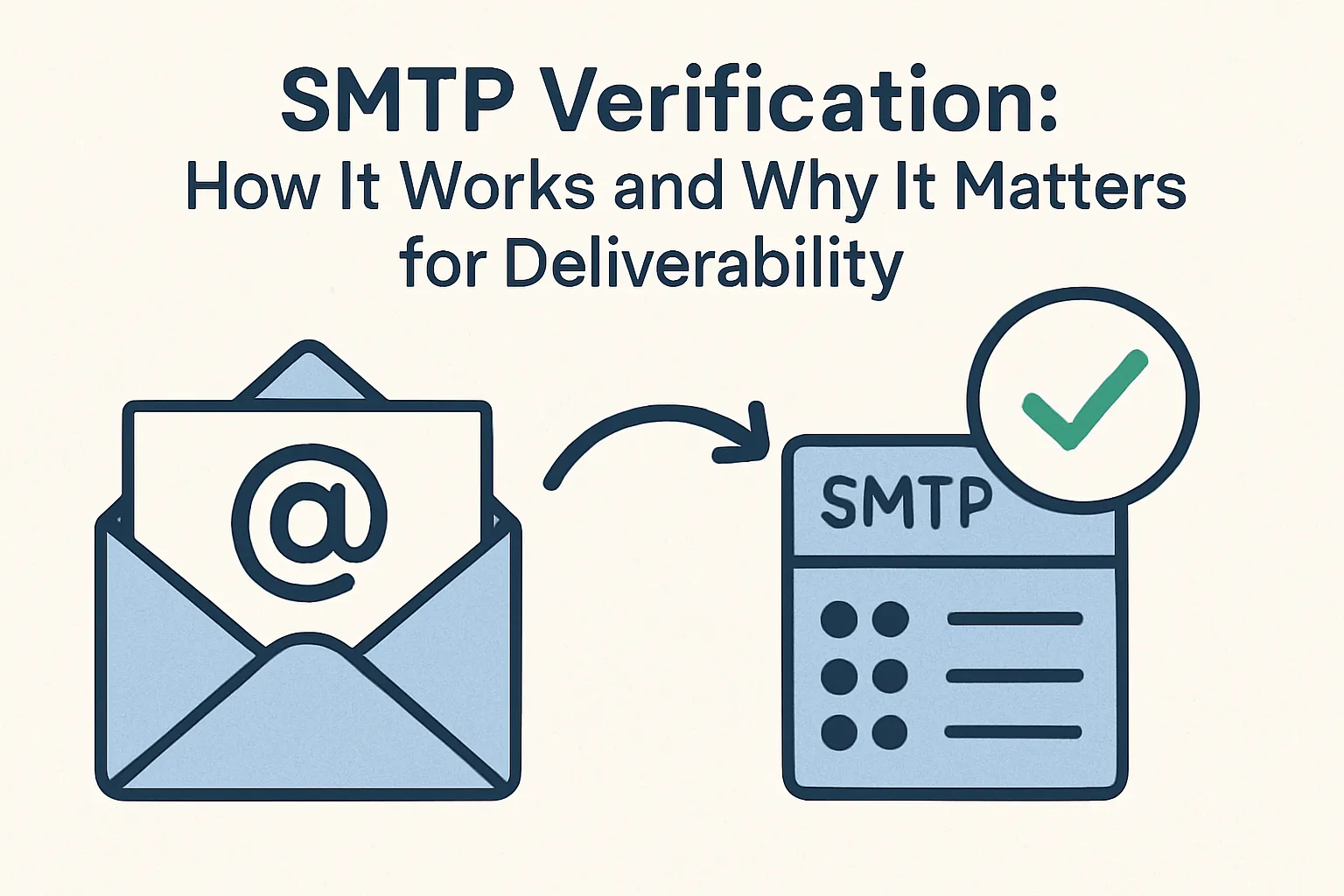

SMTP is the set of rules mail servers use to send and receive email over the internet. When you send an email, your mail server uses SMTP to deliver that message to the recipient’s mail server.
SMTP verification is a technical check that asks the recipient’s mail server whether a specific email address exists and can accept mail. The checker opens a short, polite conversation with the recipient’s server and reads the server’s response. That response helps decide if the address is likely deliverable.
Why this matters for business
Bad email lists cost money up front. Every email sent to an invalid address wastes send quota, advertising spend, or agency hours. If you buy a list or run a large paid campaign without cleaning addresses first, those costs scale quickly.
Invalid addresses also damage your ability to reach real customers. Mail providers watch how many messages bounce or get rejected from your domain or IP. High bounce rates lower your sender reputation. With a lower reputation, inbox placement falls — more of your mail lands in spam or gets blocked entirely.
Several concrete metrics track this damage:
- Bounce rate (hard bounces count worst)
- Sender score / reputation (service providers use this to decide delivery)
- Open rate (fewer people see your subject line)
- Conversion rate (fewer opens and clicks mean fewer leads or sales)
Here is a typical business scenario: a marketing team runs a paid campaign to 50,000 addresses they bought cheaply. After the send, 10% hard-bounce. The ESP flags the high bounce rate and pauses the account. While the team resolves the issue, planned follow-ups don’t go out.
Pipeline opportunities stall, and recovery costs include re-verifying lists, contacting the ESP, and shifting budget to other channels. In short, the initial savings on a cheap list turned into lost weeks of outreach, extra verification costs, and a drop in overall campaign ROI.
Cleaning your list before major sends reduces wasted spend, protects your sender reputation, and keeps your campaigns delivering to real prospects.
How SMTP verification works
1. DNS / MX lookup — find the mail servers
The verifier first asks DNS where the recipient’s mail servers live. For user@company.com it looks up the domain company.com and reads its MX records. If no MX records exist, the domain likely cannot receive mail. If MX records exist, the verifier now knows which servers to contact.
2. Open a TCP connection to the SMTP port
The tool connects to the mail server over the network. Common ports are 25 (standard SMTP), 587 (submission), and 465 (secure SMTP). Which port the checker uses depends on the server and the verifier’s configuration. The connection is a simple network socket: open it, then speak the SMTP commands.
3. Perform the SMTP handshake and run the check commands
The verifier identifies itself with EHLO (a polite “hello”), then tells the server who it is with MAIL FROM:<checker@yourdomain.com>. To test the target address it sends RCPT TO:<user@company.com>. That RCPT TO command is the actual probe: the server’s reply shows whether the mailbox appears to exist.
4. Read and interpret server responses
Servers return numeric codes with short messages. The verifier groups them simply:
- 2xx (for example, 250) — the server accepts the recipient; likely valid;
- 4xx (for example, 450 or 421) — temporary problem; the server asks to try again later (this can be greylisting or a transient issue);
- 5xx (for example, 550) — permanent rejection; the address is likely invalid.
The verifier records these responses and may close the connection without sending a real message.
5. Apply decision rules and label the result
Tools convert responses into practical labels used by teams. Typical outcomes are: valid (accepted 2xx), temporary (4xx → schedule re-check), invalid (5xx), accept-all / catch-all (server accepts every RCPT but gives no real proof), or unknown (connection failed or blocked). Based on that label, the system decides whether to send, hold, or remove the address.
Use SMTP verification as one reliable signal among several: combine it with syntax and MX checks, and with engagement or historical send data, to make safer decisions about sending.
When to use SMTP verification
Use SMTP verification when you need strong evidence that addresses will accept mail before you send at scale. It is best for cleaning large lists, vetting risky third-party or purchased contacts, and recovering sending reputation after a bounce spike.
For example, run a bulk SMTP clean before a paid campaign that targets tens of thousands of addresses, or after an event where bounce rates jumped.
Use this single checklist to decide quickly (yes/no) by role and scenario:
- Bulk campaign to a large list (marketing): Yes — run SMTP verification before sending. If >5% expected bounce or list was purchased, quarantine and clean first.
- Purchased or brokered list (sales/ops): Yes — always verify before importing; tag risky records and run a secondary verification pass after 24–72 hours for transient errors.
- Form signups (site/UX): No for blocking UX — use syntax + MX checks in real time. Yes for background verification if you can accept a re-check and tag results in CRM.
- High-volume outreach (SDR/sales): Yes — verify before starting sequences to reduce wasted touches and improve contact rates. Prefer slower, batched verification to avoid provider throttling.
- Post-bounce spike recovery (deliverability team): Yes — run targeted SMTP cleaning on recent hard-bounce sources and suspect segments; prioritize domains with many rejections.
- Small, trusted lists or one-off transactional sends (product/ops): No — the ROI is low; rely on ESP delivery logs and normal soft-bounce handling.
- Operating in strict privacy jurisdictions (legal/compliance): No unless explicit consent recorded — consult compliance before probing; prefer consent-based verification flows.
When not to use SMTP verification
SMTP verification is powerful, but it’s not a one-size-fits-all tool. In some workflows, it adds delay, friction, or unnecessary load. There are another ways to maintain a clean list without constantly pinging mail servers.
Steps:
1. For frontend forms — like newsletter signups or lead magnets — stick to syntax and MX checks. These tests confirm that the email looks valid and that the domain can receive mail. They’re instant and don’t need to “talk” to another server, so they don’t slow down user experience. A visitor can type an address, click submit, and move on without a verification lag.
2. Next, keep your lists clean based on engagement, not just verification. SMTP probes won’t fix inactive users who simply stopped opening your messages. A smarter approach is engagement-based suppression — remove or pause sending to contacts who haven’t opened or clicked in months. This method protects deliverability naturally. Mail providers reward steady engagement more than repeated address checks.
3. For transactional messages — password resets, invoices, booking confirmations — rely on your email service provider’s delivery logs and bounce handling. ESPs already track delivery and classify soft vs. hard bounces automatically. Running SMTP probes for every transactional recipient is redundant and can trigger false positives if servers temporarily reject requests.
4. When deciding between third-party verification services and in-house checks, consider scale and compliance. Dedicated vendors maintain global mail server maps, throttle requests properly, and handle greylisting gracefully. They’re better suited for bulk or recurring verification jobs. In-house checks may work for small internal lists, but they require infrastructure and careful rate control to avoid IP blocks.
FAQ
Does SMTP verification send emails?
No. SMTP verification doesn’t send a real message. It connects to the recipient’s mail server, simulates the first steps of delivery, and stops before any content is transmitted. The process checks whether the address exists and can accept mail, without sending anything visible to the user.
Will SMTP checks reduce my sender reputation?
If done correctly, no. Verification tools open lightweight connections and close them politely. Problems appear only if you run too many checks too fast or from untrusted IPs, which may trigger rate limits. The fix is simple: throttle requests, use verified infrastructure, or rely on established verification APIs that handle pacing for you.
How accurate is SMTP verification?
Usually 90–98%, depending on how the receiving server responds. Some domains use catch-all settings and always say “yes,” even if the mailbox doesn’t exist. Others temporarily block probes. That’s why professional verifiers classify results into “valid,” “invalid,” “accept-all,” or “unknown.” Accuracy improves when you combine SMTP checks with MX and DNS lookups.
Can I run SMTP checks from my own server?
Yes, but with caution. Mail providers can flag high connection volumes from a single IP as suspicious. Self-hosted checks should be slow, distributed, and compliant with provider limits. For large-scale use, third-party verification services are safer — they already manage IP pools and retry logic.
What should I do with catch-all domains?
Treat them as “possible, but unconfirmed.” Catch-all servers accept any address, so verification can’t tell if a real person will read the message. Send a small batch, monitor engagement and bounce rate, and keep only the addresses that show real interaction over time. This way, you protect your reputation without throwing out potentially valuable leads.
It's time to try LetsExtract (it's free)
 Click here to download the LetsExtract Email Studio
The trial version will allow you to create a contact list, check email addresses and start mailing.