
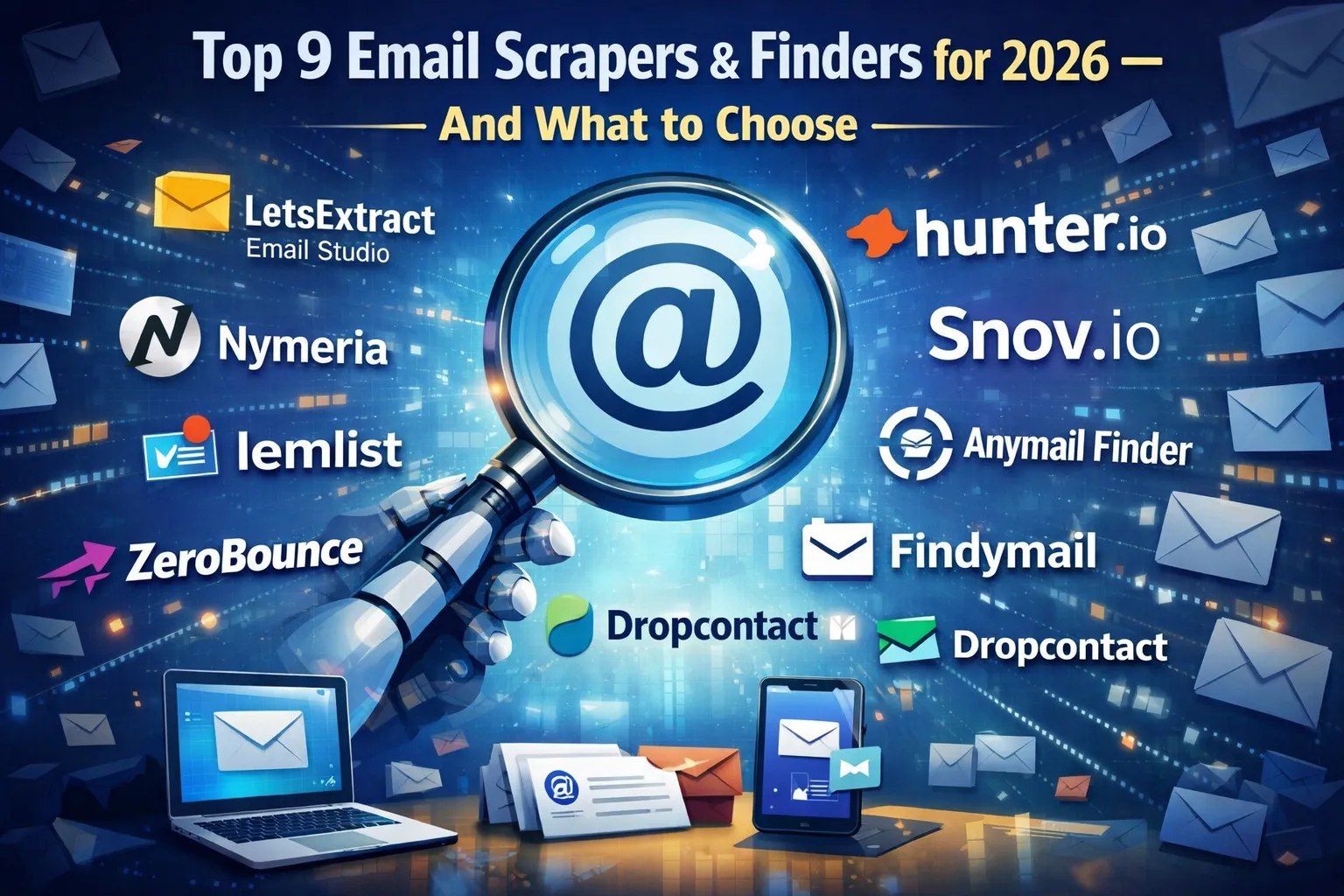

Each product solves a slightly different problem, and that is intentional. Some tools work best when you need full control on your own computer. Others are designed for sales teams that search by company domain.
All features, limits, and prices in this article come from the official websites of the tools. Pricing models change often, so the numbers reflect what vendors publicly list. Each tool section links to its source so you can double-check details or see the latest plan options before committing.
When you look at the comparison table, start with three practical questions:
- How many emails do you actually need per month.
- Decide how you want to pay. Some tools charge monthly, some sell credits, and some offer a lifetime license.
- Check whether you need built-in verification or outreach. If your tool only finds emails, you may need another service to clean the list before sending.
| Tool | Main functions | Pricing | Pros | Cons |
| LetsExtract Email Studio | — Extracting emails from websites, search engines, social networks, local files, and mailboxes.— Built‑in fast email verifier with multi‑level checks. — Bulk email sender with HTML editor, reports, and phone extractor in higher editions. | — One‑time (lifetime) and annual licenses from about $39. There is a free demo version that includes all three products.LetsExtract also offers volume discounts when you buy multiple licenses, up to 35% off. | — All‑in‑one desktop suite: scraping + verification + bulk sending in one tool, so you do not need 2–3 separate SaaS products. — Local processing on your own machine: better privacy, fewer third‑party limits, and more control over proxies and IP rotation. — One‑time payment is very cost‑effective for long‑term, high‑volume email collection. | — Requires installation on a PC (best on Windows). — Advanced configuration (proxies, custom search rules) may be complex for complete beginners. |
| Hunter.io | — Domain search to find emails by company domain. Email finder and verifier (web app, API, browser extension). — Basic lead lists and integrations with CRM and sales tools. | — Subscription SaaS model. Paid plans roughly from $34–49/month for ~500–1,000 searches, scaling up to around $299+/month for 10,000+ searches. | — Strong domain‑based search for B2B. — Mature API and many ready‑made integrations with sales stacks. | — Recurring monthly cost and credit limits; gets expensive at scale compared to a lifetime desktop license. — Focused on B2B domains, not generic mass scraping of arbitrary pages. |
| Snov.io | — Email finder (domain, company, LinkedIn, etc.). — Bulk email verification. — Built‑in outreach: cold email sequences, tracking, and integrations. | — Credit‑based SaaS. Starter around $29–39/month for ~1,000 credits. Higher plans from about $79/month up to several hundred USD for tens of thousands of credits. | — Good combination of email finding and outbound campaigns in one cloud platform. — Flexible tiers for freelancers, SMBs, and agencies. | — Finder and verifier share the same credits, so heavy use burns credits quickly. — Fully cloud‑based: you are dependent on their limits and regional access. |
| Anymail Finder | — Find verified B2B emails by name + domain or company. — Bulk lookup from uploaded lists. — API for integration into internal tools and workflows. | — Paid plans in EUR. Entry plans from roughly €9–26/month for a few hundred verified emails. | — You mainly pay for verified emails, which helps maintain high list quality. — Clear EU‑friendly pricing and decent batch features. | — Not a general web scraper; optimized for B2B emails from structured input (name + domain). — No built‑in cold email campaign module. |
| Findymail | — B2B email finder and verifier (bulk + API). — Strong enrichment for Sales Navigator, Apollo and other prospecting tools via extension. — Chrome extension and integrations for sales workflows. | — Credit‑based monthly plans. Basic around $49/month (≈1,000 credits). | — Very good enrichment for LinkedIn Sales Navigator and similar tools. | — Higher starting price than many competitors and no real free tier. — Not aimed at scraping arbitrary websites; designed for sales prospecting. |
| Dropcontact | — B2B email finder and enrichment from names, domains, and company data. — Data cleaning: formatting, deduplication, enrichment of CRM records. — Native plugins for HubSpot, Pipedrive and others. | — Monthly subscription in EUR. Entry plans from about €24/month for a small number of contacts. | — Strong EU / GDPR‑compliance positioning and EU infrastructure. — Great fit for continuous CRM hygiene and enrichment. | — Less practical for one‑off scraping of arbitrary public sites. — Mainly B2B; limited for personal emails. |
| ZeroBounce | — Large‑scale email verification for uploaded lists. — Email finder/search integrated into the platform (limited). — Deliverability tools: inbox tests, blacklist monitoring, warm‑up. | — Pay‑as‑you‑go and subscriptions from about $39 for 2,000 verifications (~$0.01 per email). | — One of the strongest options for verifying large scraped lists before sending. | — Email finder is secondary; not a full web scraping solution. — Can be expensive if you only need small volumes regularly. |
| Lemlist | — Multichannel cold outreach (email, LinkedIn, calls). — Built‑in email finder and verifier, lead enrichment. | — Per‑user SaaS. Multichannel and scale plans from $99–159/month per user with higher finder quotas. | — Powerful outreach platform with email finding tightly integrated into sequences. | — Per‑seat pricing can become expensive for teams. — Not a generic scraper; focused on outbound sales workflows. |
| Nymeria | — Browser extensions (Chrome, Firefox) to discover emails and phones on LinkedIn, X, Facebook, GitHub and other networks. — People search in a large internal database. | — Tiered plans by monthly credits, starts from $39. | — High match rate on social profiles compared to many competitors. | — Browser‑centric workflow; no standalone server‑side crawler. — Pricing and limits are less transparent without creating an account. |
FAQ
What is the best tool for desktop email scraping?
For desktop scraping, LetsExtract is the most practical option in this list. It runs on your own computer, does not rely on monthly credits, and can extract and verify emails in one place. This makes sense if you collect emails regularly and want predictable costs.
Is buying verified emails better than scraping them?
Buying verified emails saves time because you skip the cleaning step. But this works well only for small, high-quality lists. Scraping is usually cheaper at scale, but you need verify the list before sending. Many teams scrape first and then run verification to balance cost and quality. There are tools that solve all issues at once.
Do I need to verify emails if a tool already found them?
In most cases, yes. Even good finders can return outdated or risky addresses. Verification reduces bounce rates and protects your sender reputation. For example, teams often pair a finder with a service like LetsExtract Email Verifier before launching campaigns.
Are these tools legal to use?
The tools themselves are legal. How you use the data matters. Most teams focus on publicly available business contacts and follow email regulations such as GDPR or CAN-SPAM. If compliance is critical, choose providers with clear EU or privacy positioning and keep records of how data was collected.
It's time to try LetsExtract (it's free)
 Click here to download the LetsExtract Email Studio
The trial version will allow you to create a contact list, check email addresses and start mailing.
Related posts:
 How to automate address collection with LetsExtract
 Email UTM best practices: where to put tags, how to analyze results
 Top 5 email verification services in 2026: quick overview
 Collect emails from LinkedIn legally: tools & best practices for marketers
 Omnichannel marketing: how to combine email, SMS, push & social
 Emails vs messengers: what to choose in 2026
