
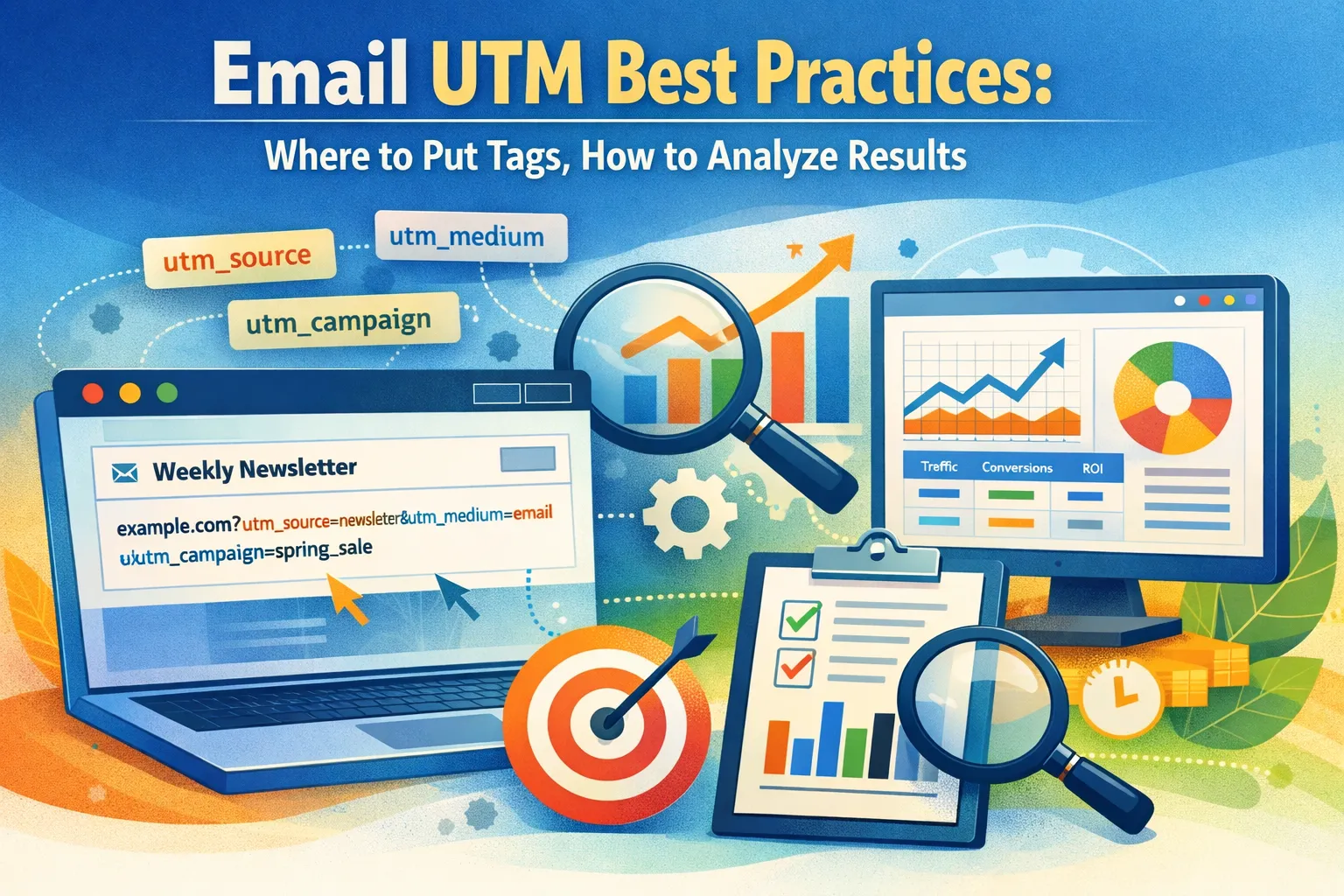

UTM tags turn email clicks into measurable data inside your analytics system. When you add them to links in your emails, you can see exactly which campaign, which message, and even which button brought a visitor to your website.
This tags solve three common business problems:
- Unclear ROI when you send a promotion, sales increase, but you can’t show that the email caused it. With UTMs, you open your analytics and, for example, see that the campaign “spring_sale_email” generated 1,240 sessions and 86 purchases.
- If links are not tagged, traffic may be grouped under direct or mixed with other sources. That causes misattribution.
- One marketer can name a campaign “AprilNewsletter,” another writes “april_news,” and reports split into separate rows. Clear UTM rules fix that.
When UTM tagging is set up correctly, you get reliable channel attribution. This leads to better budget decisions. It also makes funnels clearer: you can track the path from email click to landing page to purchase and see where users drop off.
UTM parameters explained
UTM parameters are small pieces of text added to the end of a link. They pass information into your analytics tool about where a visitor came from and why.
There are five standard parameters:
- utm_source — tells you the source of traffic. For email, this is often “newsletter” or the name of your mailing list.
- utm_medium — describes the marketing channel. For email traffic, this is usually “email.”
- utm_campaign — names the specific campaign, such as “spring_sale_2026.”
- utm_content — distinguishes between links inside the same email, for example “top_button” and “footer_link.”
- utm_term — mainly used for paid search keywords; in email marketing it is rarely required.
Here is how a full link may look:
Everything before the question mark is your regular page URL, everything after it is tracking information. In this case, analytics will record that the visitor came from the newsletter (source), through email (medium), as part of the spring_sale_2026 campaign, and clicked the top button inside the email (content).
Case-sensitivity matters! “Email” and “email” are treated as two different values in many analytics systems. The same applies to “Spring_Sale” and “spring_sale.” If different team members use different spelling or capital letters, reports split into multiple rows. The data becomes messy.
Which UTM parameters to use for email
For email marketing, you do not need all five UTM parameters every time. In most cases, three are enough:
— utm_source tells you where the traffic came from at a practical level. For email, this is often something simple like “newsletter” or “crm.” utm_medium defines the channel.
— utm_medium defines the channel.
— utm_campaign names the specific initiative, such as “black_friday_2026” or “product_launch_march.”
If you consistently use these three, you will already see structured data in your analytics tool.
A link like
https://example.com/demo?utm_source=newsletter&utm_medium=email&utm_campaign=product_launch_march
is fully functional. It tells you that a visitor came from your newsletter, through email, as part of the March product launch.
For many teams, this level of detail is enough to measure revenue and compare campaigns.
You add utm_content when you need more precision inside one email. For instance, your message contains a main button at the top and a text link at the bottom. If both lead to the same landing page, analytics will show one campaign and one page.
By adding utm_content=top_button to the first link and utm_content=footer_text to the second, you can see which element drove more clicks. This is especially useful for A/B tests, layout experiments, or when you report on design performance.
utm_term is rarely needed in email. It was designed for paid search to track keywords. In email campaigns, there are usually no search keywords involved. Adding utm_term without a clear reason only complicates reporting.
Where to place UTM links
UTM parameters should be added to the links that lead users from the email to your website and are part of your marketing goal:
- buttons;
- main calls to action;
- ext links inside the copy;
- clickable images.
For example, if your email promotes a webinar, the registration button should contain a tagged link. If the header image also links to the same registration page, that link should be tagged as well. If you want to understand which element performed better, you can distinguish them with utm_content values such as “button” and “header_image.”
There are links that usually do not require UTMs:
- unsubscribe link;
- legal footer links.
They are technical elements and required for compliance, not for marketing analysis. Tagging them adds noise to reports and does not support business decisions. In most cases, leave them untagged.
In multi-link emails, decide what the primary action is. If the goal is to drive product purchases, treat the product page link as the main target. Secondary links, such as “Read more on our blog,” can still be tagged, but they should follow the same campaign structure. If you need to compare their performance within the same email, use utm_content to separate them clearly.
Avoid adding UTMs to internal navigation-style links that do not represent a campaign click. For example, if your email contains a small “View in browser” link or a logo that leads to your homepage purely for navigation, adding detailed tracking parameters can distort your reports. Focus on links that move users into a measurable funnel: landing page, pricing page, demo form, checkout.
FAQ
Do I need UTMs for transactional emails?
If the email contains links that lead to revenue or meaningful actions, then yes. For example, an order confirmation email may include a “Buy again” button. If that button drives repeat purchases, you want to see it in analytics. If the email only contains a receipt PDF link, tracking may not be necessary. Focus on links that move users back into your sales funnel..
Can UTMs break landing page personalization?
In most cases, no. UTM parameters are simply extra text in the URL. They do not change the page unless your system is configured to read them. Many websites use UTMs to trigger dynamic headlines such as “Welcome, newsletter readers.” That works because the site is set up to read the parameters. If personalization depends on clean URLs, test carefully before sending.
Do UTMs affect SEO?
No, they do not directly impact search rankings. UTM parameters are used for tracking, not indexing. Search engines treat them as query parameters. To avoid duplicate content issues, your website should have canonical tags set correctly. For email campaigns, this is usually handled automatically by your website platform.
Can I use the same UTM campaign name every month?
You can, but it reduces clarity. If every newsletter is tagged as utm_campaign=newsletter, analytics will group all months together. It becomes hard to compare January versus February. A better approach is something like utm_campaign=newsletter_2026_03. This keeps reports structured and allows month-by-month analysis.
What happens if I make a typo in a UTM parameter?
Analytics treats each unique spelling as a separate value. If one link uses utm_medium=email and another uses utm_medium=Email, they will appear as two different rows. The data is not broken, but it becomes fragmented. This is why a simple naming convention and a shared spreadsheet are important.
Should I add UTMs to every single link in my email?
Add them to links that drive business actions. Buttons, product links, registration pages should be tagged. Technical links such as “unsubscribe” or “view in browser” usually do not need tracking. Too many tagged links can clutter reports without adding useful insight. Keep your tracking focused on measurable outcomes.
It's time to try LetsExtract (it's free)
 Click here to download the LetsExtract Email Studio
The trial version will allow you to create a contact list, check email addresses and start mailing.
Related posts:
 How to improve email deliverability: SPF, DKIM & DMARC. Part 1
 Best strategies to boost your website traffic
 Cold emailing in 2025: pros, cons & winning alternatives
 Why you shouldn’t buy email lists for your campaigns — risks, laws & better alternatives
 Nonexistent and invalid email addresses: can they be brought back to life?
 How to personalize email newsletters: 7 steps to higher engagement
