
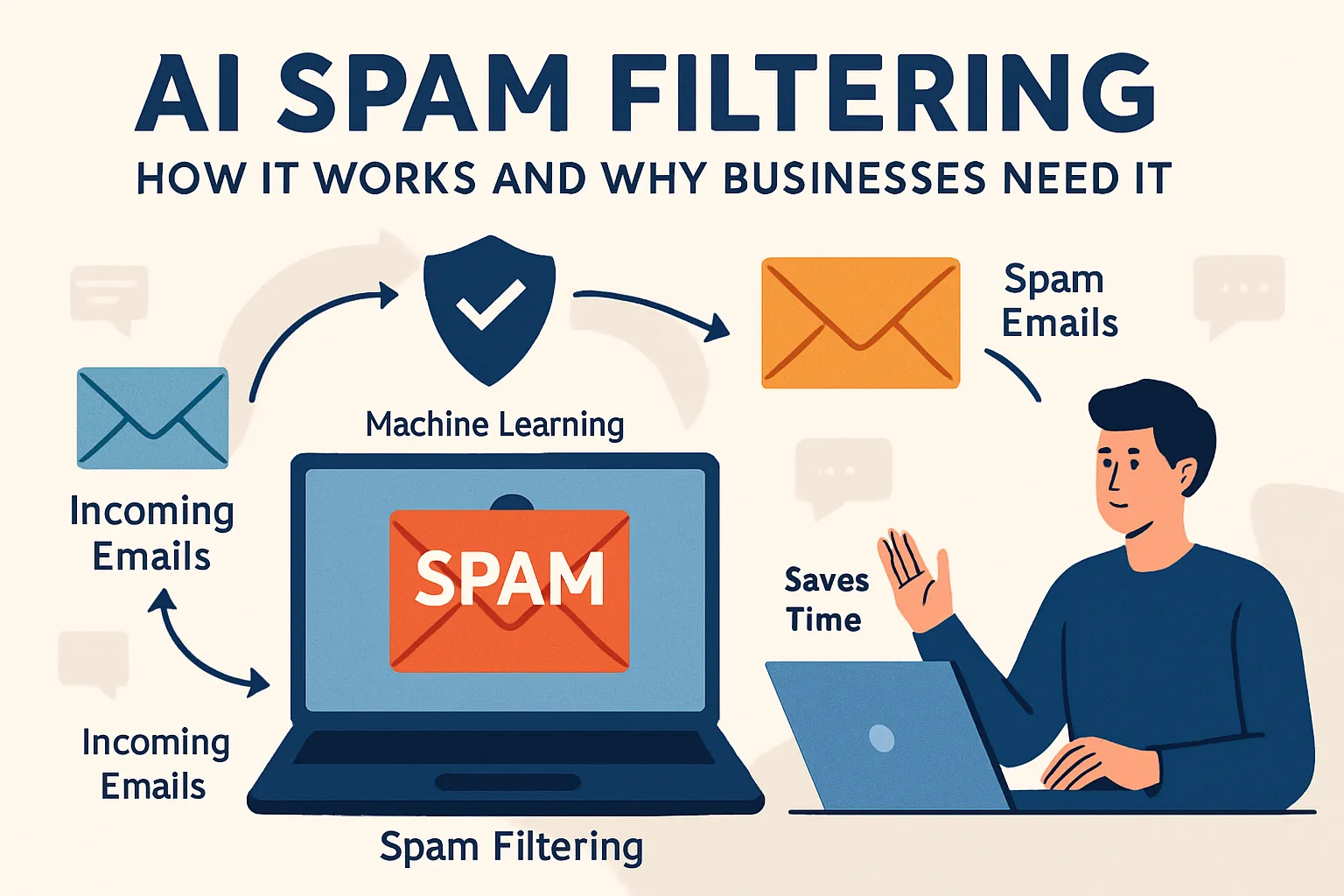

Spam looks like a small nuisance at first glance, but in business it quickly turns into lost money, wasted time, and damaged trust. Every extra junk email in the inbox is time employees spend sorting instead of working.
For an entrepreneur running a small company, one missed email can have direct financial consequences. A supplier may send an invoice that ends up in the spam folder. The payment gets delayed, the shipment stalls, and the entire business schedule shifts. For a CRM or email marketer, the issue looks different: spam filters on the receiving side may block legitimate campaigns. That means fewer customers see the offer, open rates drop, and the marketing budget goes to waste.
If customers stop trusting emails from the company because they suspect spam, rebuilding that trust is slow and costly.
Core concepts: spam, phishing, etc
Before diving into how AI filters work, it is important to clarify a few basic terms.
— Spam
It is any unsolicited message that fills inboxes with unwanted offers or irrelevant content. These emails rarely bring value to the recipient. They distract employees, slow down work, and increase the risk of missing important communication.
— Phishing
These are fraudulent messages designed to trick people into sharing confidential information or clicking on harmful links. A phishing email may look like a notice from a bank or a delivery service. If an employee enters their password or downloads an attachment, the company can face data loss, fraud, or a security breach.
— Deliverability
Shows how many of your legitimate emails actually reach the recipient’s inbox. If deliverability is poor, even well-designed campaigns fail to deliver results because customers simply do not see them.
— Whitelists and blacklists
To control all the process, filters use tools such as whitelists and blacklists. A whitelist is a list of trusted senders whose messages should always be delivered.
A blacklist is the opposite — a record of senders that must be blocked. In practice, a company may whitelist the domain of a reliable supplier and blacklist a known spam domain.
Quarantine is another option. Suspicious emails are held aside in a special folder until an employee or administrator decides whether they are safe.
Filters are not perfect. A false positive happens when a good email is mistakenly marked as spam. For example, a client’s order confirmation lands in the junk folder, causing a delay. A false negative is the reverse case: a harmful or irrelevant email passes through as if it were legitimate.
— Protocols
There are also protective protocols that support filters. SPF confirms whether an email is sent from the right server. DKIM attaches a digital signature that proves the message has not been altered. DMARC sets the overall rules on what to do if SPF or DKIM checks fail.
How AI spam filtering actually works
AI spam filters follow a clear workflow:
1. First, they collect data from every incoming email. This includes the subject line, the body text, the sender’s address, technical details in the headers, and any links or attachments.
Then the system breaks this data down into features — small pieces of information that can help a model decide whether the email looks safe or suspicious. For example, too many links in the body or a mismatched sender address are strong signals of spam.
3. Next comes model training. The filter looks at thousands or even millions of examples of past emails. Some are marked as spam, others as legitimate. By analyzing the differences, the model learns patterns.
For text, it may use natural language processing to spot phrases that appear often in fraudulent messages. It also considers the sender’s reputation: is this address new, has it sent spam before, or is it from a trusted domain?
3. Behavioral data plays a role too. If many employees delete emails from the same source without opening them, the system takes that into account. User feedback — such as clicking “mark as spam” — helps the filter keep learning.
Once an email is processed, the model assigns it a score. This score reflects the likelihood that the message is spam. If the score is low, the email goes straight to the inbox. If it is high, the message is blocked or sent to quarantine. In between, the company can set its own threshold — the cut-off point where the system decides what to do.
For example, a business may decide that emails scoring above 80 out of 100 should be quarantined, while those above 90 should be rejected completely. This tuning helps balance the risk of letting spam through with the risk of losing a real business message.
Signals and features explained
AI spam filters don’t make decisions at random. They look at hundreds of signals in every email and weigh them together.
- Content signals
The system checks the subject line, the text in the body, and how the language is structured.
Strange phrasing, unusual grammar, or words that often appear in fraudulent messages can raise suspicion. Links inside the email are also important. A link that looks like a well-known brand but actually leads elsewhere is a strong sign of spam.
- Structural signals
Every email carries technical headers that show how it was sent. The filter checks whether authentication protocols like SPF, DKIM, and DMARC were passed or failed. It also looks at the sending IP address and how many emails were sent in a short time. A sudden spike in volume from an unknown server often points to a mass mailing attempt.
- Behavioral signals
These come from the people who receive the emails. If users consistently delete messages from a sender without opening them, the system sees this as a negative sign. The same goes for when people mark emails as spam. On the other hand, frequent replies or link clicks can work in favor of a sender.
- External signals
These include blacklists of known bad IP addresses, checks on how old a domain is, and whether the message was sent over a secure connection (TLS). New domains that start sending thousands of messages at once are rarely legitimate.
Taken together, these signals help the filter see the bigger picture. A single factor might not be enough, but a combination is convincing.
Accuracy and reliability. How to measure what works
When a company invests in AI spam filtering, the main question is simple: does it really work? To answer that, you need to look at measurable indicators.
Two core metrics explain the overall picture:
- Precision. Shows how often emails marked as spam actually turn out to be spam.
- Recall. Shows how many of the real spam emails were caught by the system. In plain words, precision is about not blocking the wrong messages, while recall is about catching as many threats as possible.
Beyond these, businesses usually track a few practical KPIs. The false positive rate shows how many legitimate emails were wrongly blocked. The false negative rate reflects how many spam or phishing attempts slipped into inboxes. Inbox placement rate measures how many genuine emails reach the main inbox instead of being filtered away.
Phishing catch rate is critical for security teams, because phishing emails often carry the highest risk. Time-to-detect shows how fast the system reacts to new spam patterns. A shorter response time means less exposure to potential damage.
Finding the right balance is key. A company that values security above all might accept stricter filtering, even if it occasionally blocks some customer emails. Another company that relies heavily on client communication may prefer a softer filter to avoid missing important deals, even if a few spam emails get through. There is no universal formula — the balance depends on business priorities.
What AI can’t do perfectly
AI spam filters are powerful, but they are not flawless. Attackers constantly adapt their tactics, which means the system is always playing catch-up. One common trick is to change the wording of emails slightly to avoid detection. Fraudsters may swap letters with similar-looking characters or send the same campaign from hundreds of temporary servers. This rapid churn makes it difficult for filters to keep a stable track of offenders.
Another limitation comes from the way AI models are trained. If the training data is too narrow, the system may become too rigid. This is called overfitting: the filter becomes very good at spotting spam it has already seen but struggles with new variations. Models also grow stale over time if they are not refreshed with updated data. Without retraining, accuracy drops and more threats slip through.
Language and localization are another weak spot. AI models are strongest in English because that is where most training data comes from. When the same system processes emails in less common languages, accuracy often suffers. For a global business, that means the same filter may perform differently across regions.
False positives remain one of the biggest risks for companies. A sales manager who loses a client’s order confirmation because it was wrongly flagged pays a real price. To reduce this risk, many businesses combine AI filters with whitelisting for key partners or set up quarantine folders where flagged messages can be reviewed. This adds an extra layer of protection without blocking critical communication.
Attackers know these weaknesses and actively try to exploit them. They test how different filters react and design their campaigns to bypass detection. Some split a malicious message into multiple harmless-looking parts, while others hide dangerous links behind layers of redirects. No system can guarantee zero risk. The practical goal is to minimize exposure and detect new threats quickly enough that they don’t cause damage.
Implementation options
Businesses have several ways to deploy AI spam filtering, and the right choice depends on their priorities.
— SaaS
The most common option today. In this model, the filtering engine runs in the provider’s cloud and processes emails before they reach the user. The advantages are speed of deployment, automatic updates, and little need for in-house maintenance. The drawback is less control over where data is stored, which can be an issue for companies with strict data residency rules.
— On-premise
It means installing and running the filter on company servers. This gives full control over data and configuration. It is often preferred in industries with sensitive information, such as finance or healthcare. The trade-off is higher costs for infrastructure and staff to keep the system running and updated.
— Hybrid setups
For example, day-to-day filtering may run in the cloud, while a copy of sensitive mail is processed on-premises. This approach allows flexibility but requires careful integration so that messages are not delayed or lost.
— API-first filtering
Instead of a ready-made gateway, businesses connect their mail systems directly to filtering modules via APIs. This is useful for companies that want to build custom workflows. For instance, a CRM team may want emails parsed and analyzed before they are stored in their system. Tools like LetsExtract can help here by automatically extracting headers, attachments, or addresses from test emails and feeding that data into training pipelines.
FAQ
Will AI block legitimate emails?
It can happen, but modern filters are tuned to minimize this. Add key partners to a whitelist and check the quarantine folder regularly.
How long until we see results?
Most companies see a drop in spam within days. Run a 30-day pilot to measure the full effect.
Does training require my company’s data?
Not always. Many systems come pre-trained, but providing local data improves accuracy. Share only non-sensitive test mail if you want safer tuning.
Can AI stop phishing completely?
No system can block 100%. The goal is to reduce risk sharply and catch threats faster. Combine AI filtering with employee awareness training.
How do we measure success?
Track false positives, phishing attempts caught, and inbox placement rates. Compare results before and after deployment to see progress clearly.
It's time to try LetsExtract (it's free)
 Click here to download the LetsExtract Email Studio
The trial version will allow you to create a contact list, check email addresses and start mailing.


