
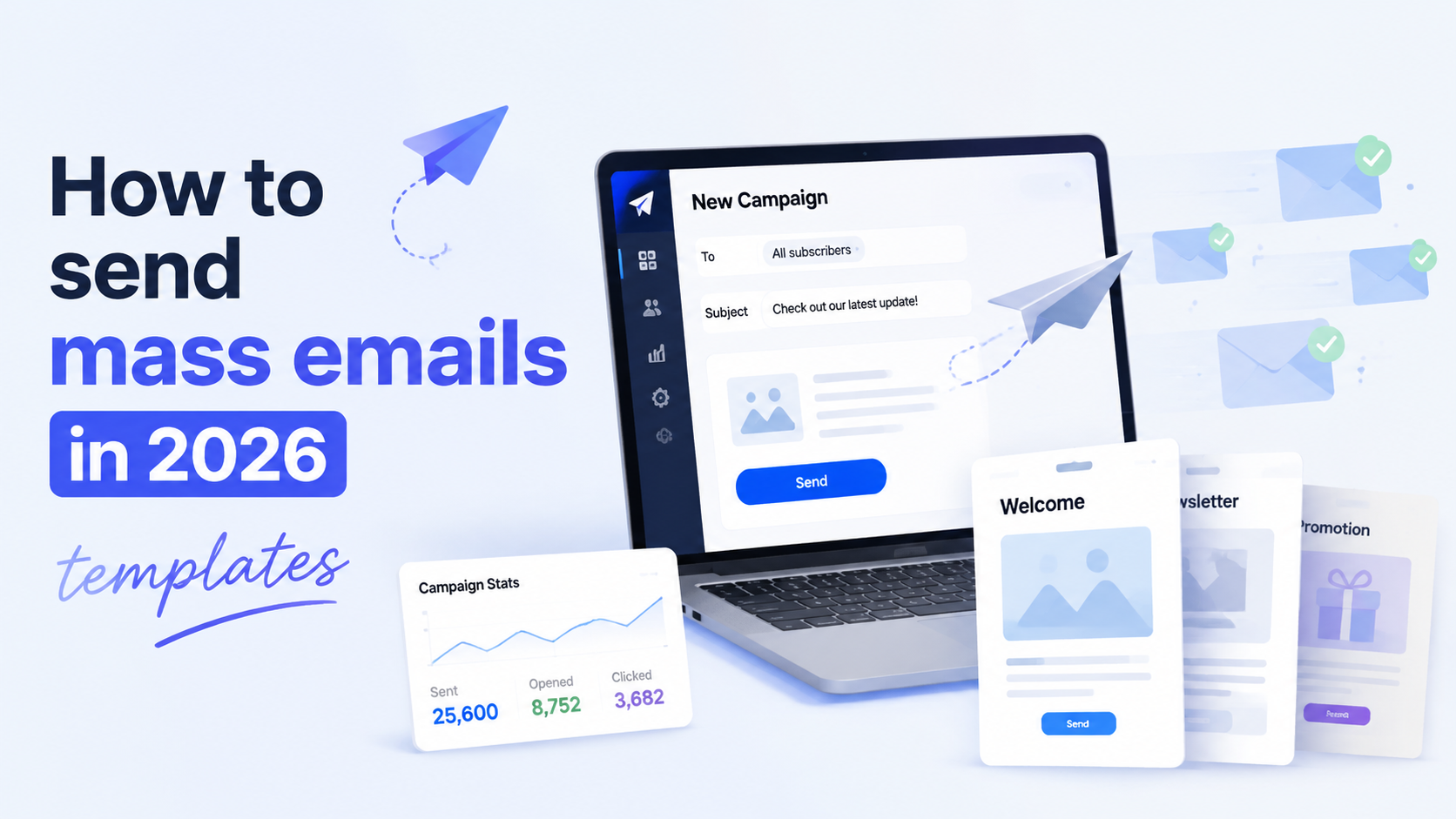

Mass email works best when one message can genuinely apply to many people at once. If the content is broad but still useful, sending it to a large list makes sense.
Typical situations where this works well are clear and predictable:
- A product launch or a new feature release.
- A limited-time promotion or discount.
- An important update that affects all users.
- A re-engagement campaign for inactive contacts.
- Operational messages like changes in pricing, terms, or service availability.
Take a simple case: A company launches a new pricing plan. Every current customer needs to know about it. One email, sent to the full customer base, is efficient and expected. The same applies to a short-term sale. If the offer is relevant to most of the list, a mass send saves time and gets fast coverage.
What makes a mass email effective
The idea of “send one email to everyone” still exists, but the way it works has changed. In 2026, effectiveness comes from few things:
— Segmentation
Instead of one large group, you work with smaller groups that share something real: recent activity, purchase history, or interest in a specific product. For example, people who signed up last week receive a short introduction. Long-term customers get updates or offers tied to what they already use. The message changes, even if the campaign goal stays the same.
— Behavior
Emails are triggered by what people do. A user opens a product page but does not complete a purchase. A follow-up email can address that exact situation. Another user has not logged in for two months. They receive a different message, focused on reactivation. This approach replaces guesswork with clear signals.
— List quality
If the contact base is inaccurate, no amount of copywriting will fix the results. This is why verification becomes part of the normal workflow. Tools like LetsExtract, for example, include an email verification function that checks addresses against multiple criteria before sending. In practice, this reduces the number of invalid emails and helps campaigns reach real people instead of dead inboxes.
— Deliverability
It directly affects business results. If emails land in spam or promotions tabs without engagement, the campaign underperforms no matter how strong the offer is. This is why teams pay attention to bounce rates, complaint rates, and overall sender reputation. These metrics decide whether future emails will even be seen.
— Inbox placement
Getting into the inbox is now part of the strategy. It depends on list quality, sending patterns, and how recipients interact with previous emails. If people open and click, future emails are more likely to be delivered properly. If they ignore or delete them, performance drops over time.
— Infrastructure
Sending mass emails from a regular mailbox does not work at scale. A proper sending tool or platform is required to manage lists, schedule campaigns, and monitor results. Some tools combine several steps in one place. For instance, LetsExtract includes modules for building contact lists, verifying them, and sending campaigns. This kind of setup reduces manual work and keeps the process consistent.
What is a spam-like sending
It’s a simple principle: you send messages to people who expect to hear from you, and you send something that is useful to them. If one of these parts is missing, the campaign starts to look like spam. Here’s what you need to keep in mind:
1. Permission
A person leaves their email on your website, signs up for updates, downloads a guide, or becomes a customer. In all these cases, there is a clear action that explains why they will receive emails.
2. Consent
It means the person understands what kind of emails they will get. For example, someone signs up for product updates and receives occasional announcements and offers related to that product. This is normal. If the same person suddenly starts receiving daily promotions from unrelated topics, the trust breaks.
3. Relevance
Even with permission, people stop paying attention if the content does not match their needs. A user who bought a basic plan last month does not need a complex enterprise offer right away. A short onboarding email makes more sense in that moment.
4. List building
Purchased databases create risk. The contacts do not know your brand, they did not ask for your emails, many addresses are outdated or invalid. The first campaign leads to low opens, high bounce rates, and complaints. This affects future sends: even your real subscribers may stop seeing your emails in the inbox.
The same happens with internal lists that are not maintained. Over time, emails become inactive. People change jobs, abandon accounts, or lose interest. If these contacts stay in the database, each campaign becomes less effective.
There is also a clear difference between business outreach and intrusive sending:
— Business outreach is targeted and explained. For example, a company contacts partners in a specific industry with a short, relevant proposal.
— Intrusive sending looks different. One generic email goes to thousands of unrelated contacts with no clear connection. This is what people recognize as spam.
In practice, avoiding this comes down to a few habits:
- collect contacts through clear, voluntary actions;
- keep the list clean and up to date;
- send messages that match the reason why the person joined the list;
- make it easy to unsubscribe or stop communication.
How to write a mass email that people actually read
A mass email is still read by one person at a time. If the message feels generic or overloaded, the reader closes it in a seconds. So what helps avoid that?
1. A clear structure. Every effective email follows the same logic: a short subject line, a direct opening, one main idea, a bit of proof, a clear action, and a simple closing.
2. The subject line. It should explain what is inside in plain language. “New pricing starts next week” works better than “Big news you don’t want to miss.” The second version sounds vague and easy to ignore.
3. The opening. In one or two lines, the reader should understand why they are receiving this email. For example: “You’re receiving this because you signed up for product updates. We’ve changed how pricing works.” This removes confusion and builds trust from the first seconds.
4. The main value. One email should focus on one idea. If the goal is to promote a feature, explain what changed and why it matters. Keep it concrete. “You can now export reports in two clicks” is clear. “We improved your experience” does not explain anything.
5. The call to action. “Try the new export” or “Register for the webinar” works better than offering several links with different purposes. When there are too many options, people do nothing.
6. Language. The text should sound like normal business communication. Short sentences, clear verbs, no filler. Words like “innovative,” “revolutionary,” or “game-changing” rarely help. They make the message heavier without adding meaning.
In practice, a good mass email feels simple. The reader understands why they got it, what it offers, and what to do next.
Mass email templates for different goals
Templates help speed up work, but they are not final messages. They are starting points. Each campaign still needs to match the audience and the goal.
| Type of communication | What’s inside |
| Announcement | The hook is the news itself. The opening explains what changed and who it affects. The offer is the update. The call to action is often to learn more or review the changes. Urgency is usually low, unless the update has a deadline. |
| Promotion | The hook focuses on the benefit or discount. The offer is clear and specific, with numbers or conditions. The call to action leads directly to purchase or activation. Urgency is important here, often tied to a time limit. |
| Reactivation | The hook addresses inactivity. The opening can acknowledge the gap: “We haven’t seen you in a while.” The offer gives a reason to return, such as a new feature or a simple benefit. The call to action is low-pressure, like “Come back and take a look.” Urgency is soft. |
| Event invite | The hook highlights the topic or outcome. The opening explains what the participant will get. The offer is the event itself. The call to action is registration. Urgency increases as the date approaches. |
| Content update | The hook points to a useful resource. The offer is the content. The call to action is to read or watch. Urgency is usually minimal unless the content is tied to a current event. |
| Follow-up | The hook refers to a previous action, such as a signup or meeting. The opening reminds the reader of that context. The offer builds on it, often with the next step. The call to action is specific and direct. Urgency depends on the situation. |
Even within the same template, details change depending on the audience. A promotion sent to new leads will look different from the same promotion sent to long-term customers. New leads may need more context, existing customers need less explanation and more focus on value.
How to send mass emails at scale
As the list grows, messages land in spam, delivery slows down, and results become unstable. A proper sending setup solves this. At a basic level, it includes three parts:
- a sending tool;
- the infrastructure behind it;
- simple controls that protect deliverability.
The sending tool is what you use to create and send campaigns. It stores your contact lists, lets you build emails in text or HTML, schedules sends, and shows results. A regular mailbox does not provide this.
Infrastructure works in the background. It includes the technical side of sending emails at scale. You do not need to go deep into it, but one idea is important: every sender builds a reputation over time. If emails are opened and clicked, the reputation improves, If they bounce or get marked as spam, it drops.
After each campaign, you look at basic numbers: how many emails were delivered, how many were opened, how many people clicked or replied. This is not about reporting for the sake of it. It helps you see what works and what needs to change. For example, if opens are low, the subject line may be weak. If clicks are low, the offer may not be clear.
Some tools combine several steps in one place. For example, LetsExtract includes an Email Sender that creates emails in text or HTML, manages contact lists, launches campaigns, and provides basic reporting. In practice, this reduces the number of manual steps and keeps the process consistent from one campaign to the next.
FAQ
What counts as a mass email?
A mass email is any message sent to a large group of recipients at once. The exact number does not matter. For one company, it can be 1,000 contacts. For another, it can be 100,000. The key point is that the same message goes to many people at the same time.
How do I avoid spam?
Focus on three things: permission, relevance, and list quality. Send emails to people who expect them, make sure the message matches their situation, and remove invalid or inactive contacts. For example, if a user signed up for updates about one product, do not send unrelated offers.
What should I do if bounce rates rise?
This usually means there are problems with the contact list. Some addresses may be outdated or incorrect. The first step is to clean the list and remove invalid emails. Verification tools help here by checking which addresses are safe to use. After that, it is worth reviewing how new contacts are collected to avoid repeating the issue.
Do I need a special tool to send campaigns?
Yes, once the volume grows beyond small manual sends. A dedicated tool helps manage lists, send emails in bulk, and track results.
Can one tool handle the whole process?
In some cases, yes. Teams often use a combination of tools for collecting contacts, verifying them, and sending campaigns. There are also solutions that combine these steps. For example, LetsExtract is presented as a suite with modules for extracting contacts, verifying email addresses, and sending campaigns.
It's time to try LetsExtract (it's free)
 Click here to download the LetsExtract Email Studio
The trial version will allow you to create a contact list, check email addresses and start mailing.
Related posts:
 7 win-back ideas for re-engagement email campaigns
 How to automate address collection with LetsExtract
 How to build email marketing for SaaS
 12 common mistakes in email campaigns and how to fix them
 How to launch an email campaign in one day: 8-hour step-by-step plan
 Email marketing in 2026: what works in the U.S. today
